
Run timer
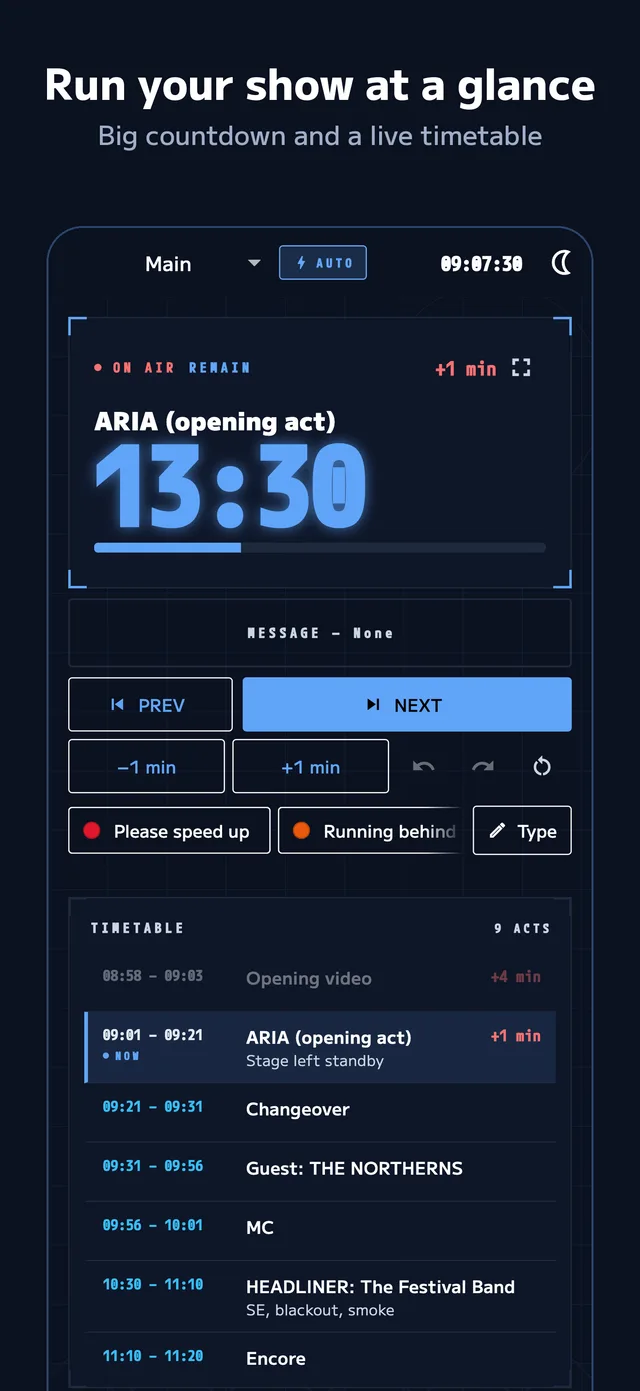
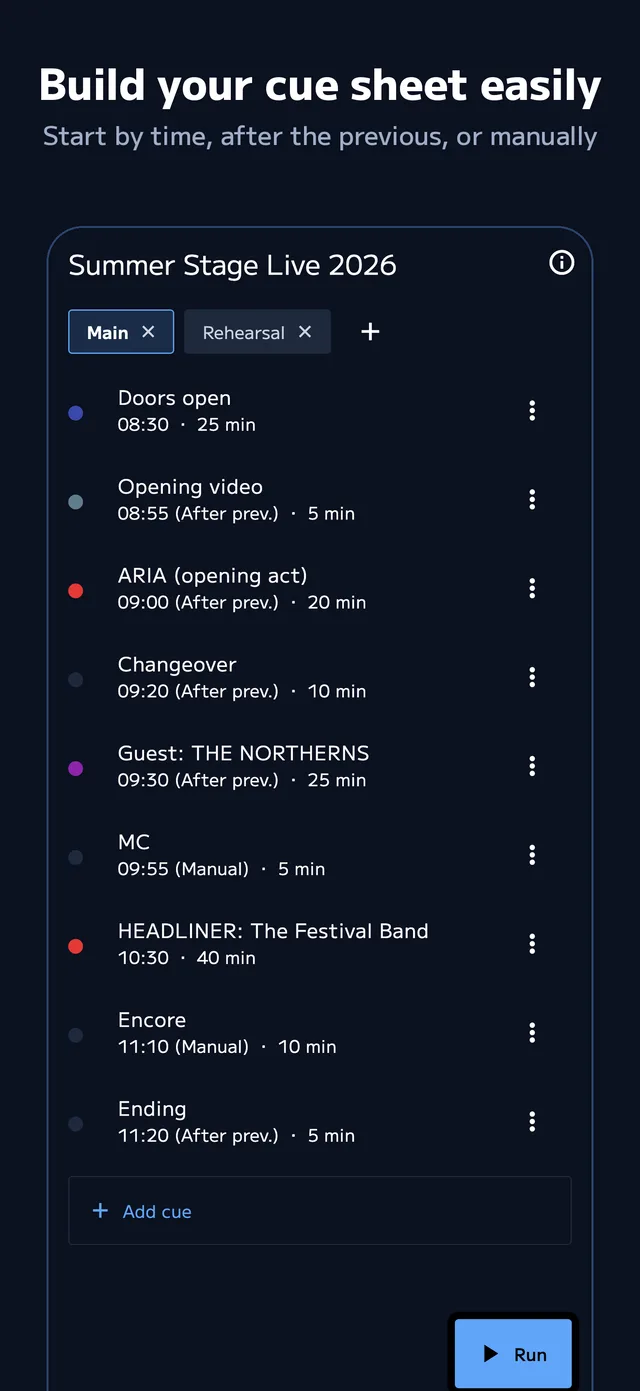
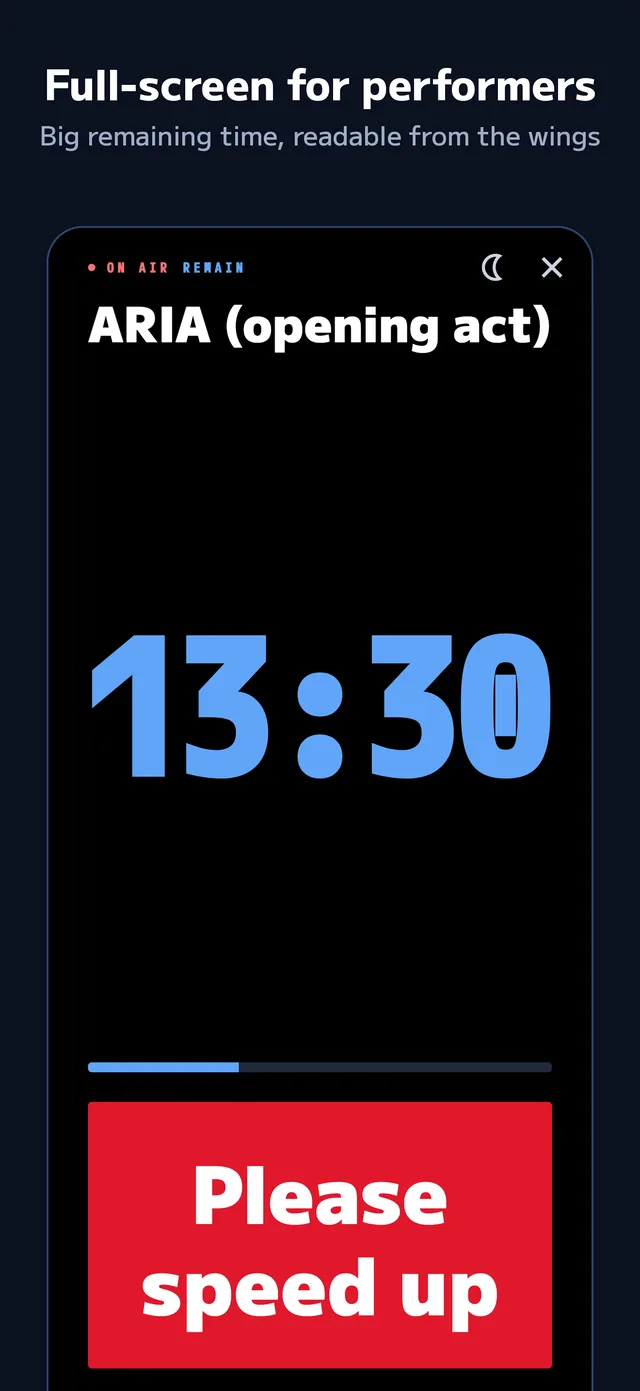
Run your cue sheet top to bottom, with a big countdown.
- Colors warn when time is short or over
- Start by time, after the last cue, or manually
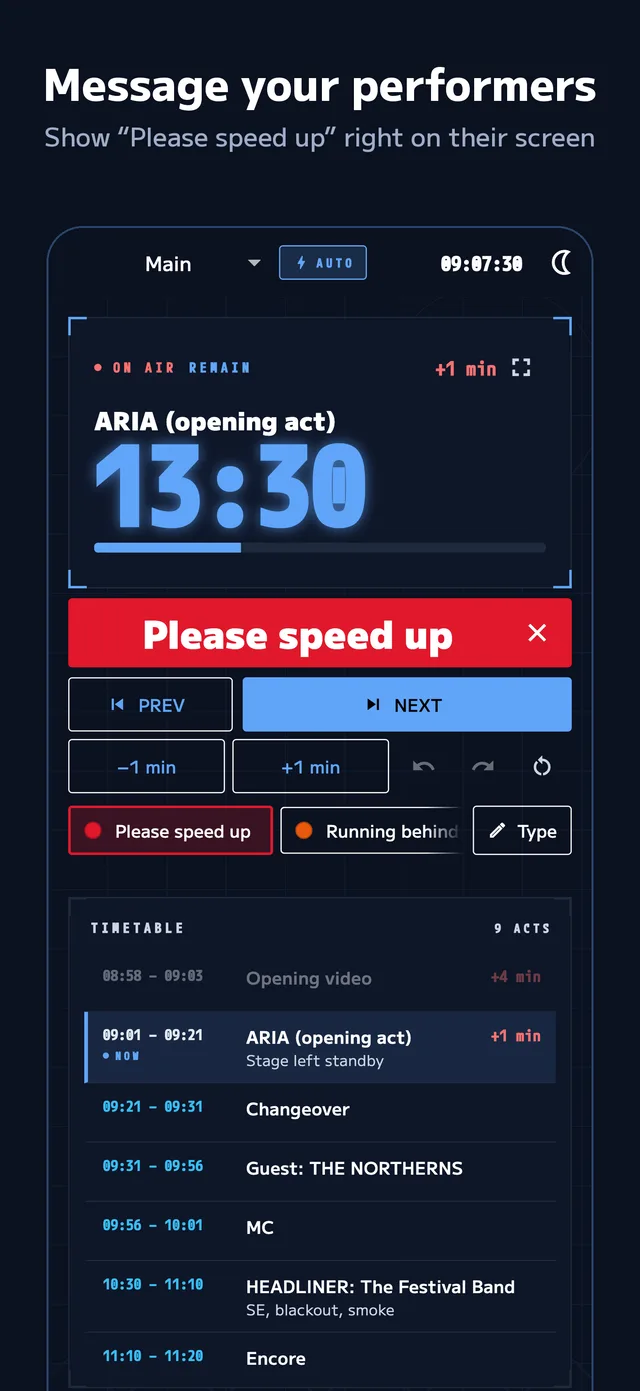
- Show "please speed up" to performers
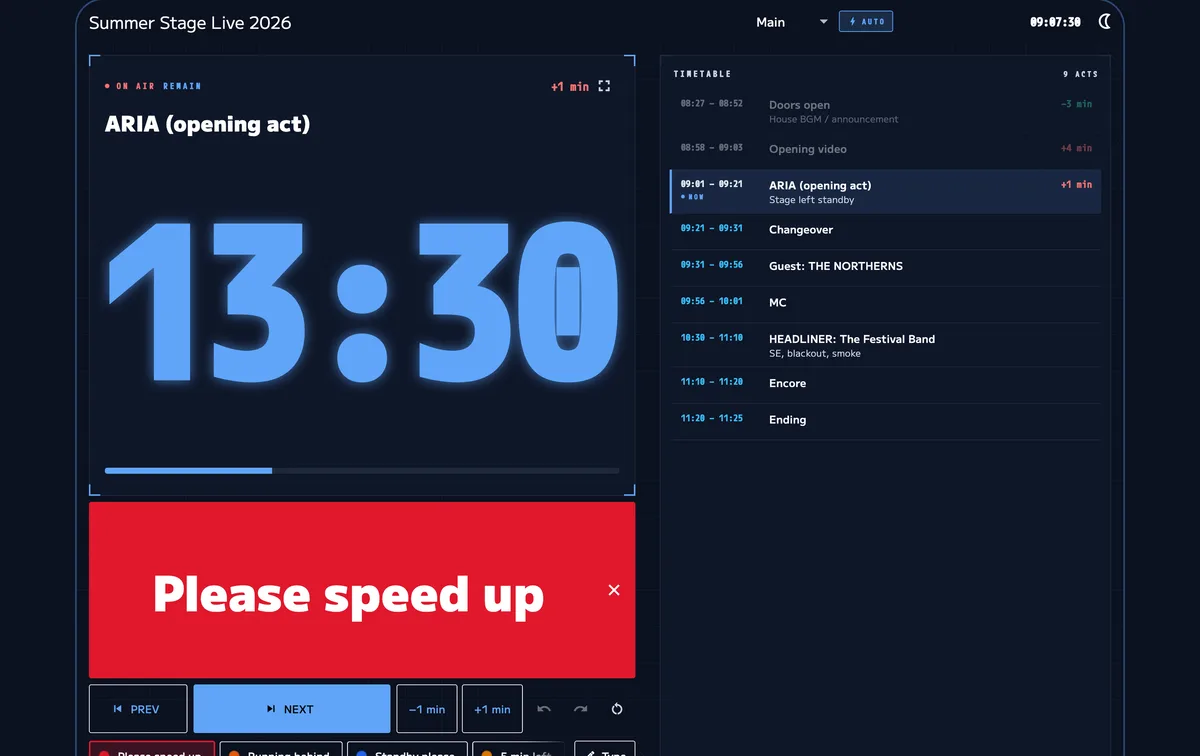

Load your run sheet. See a big countdown and your schedule drift at a glance.For concerts, recitals, weddings, talks and streams.
App StoreComing sooniPhone · iPad · Mac
Free to start. Pro has a 2-week free trial.
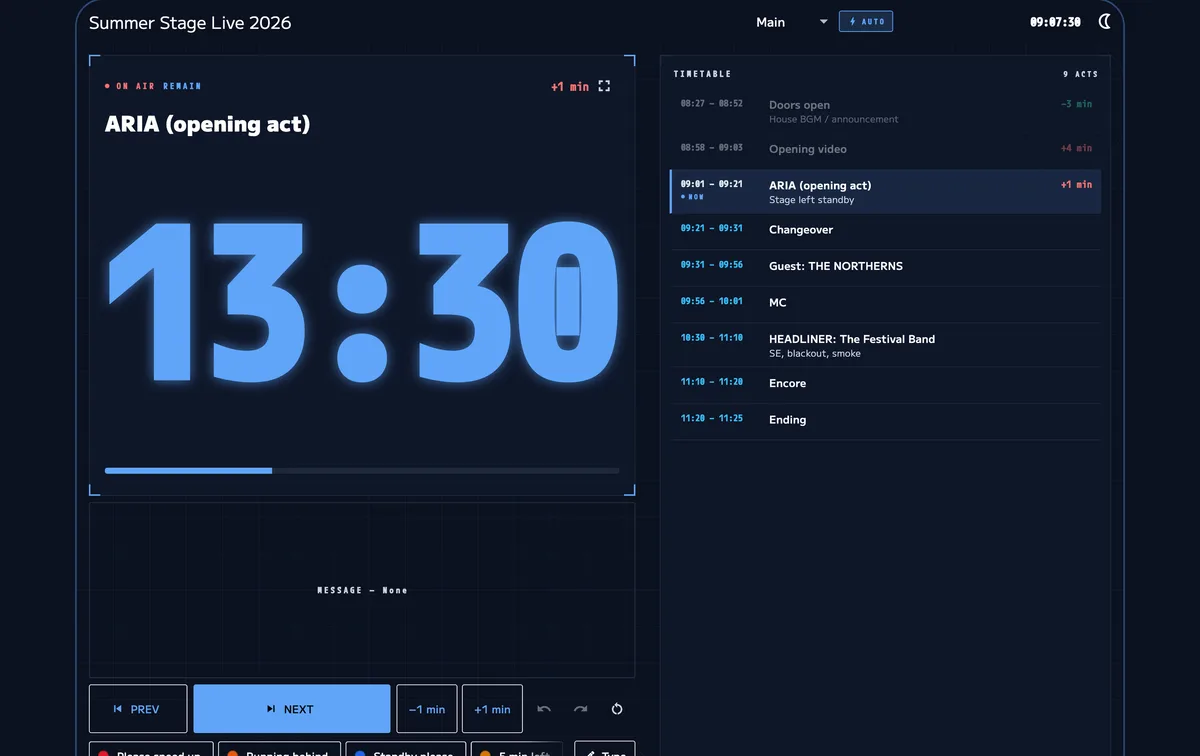
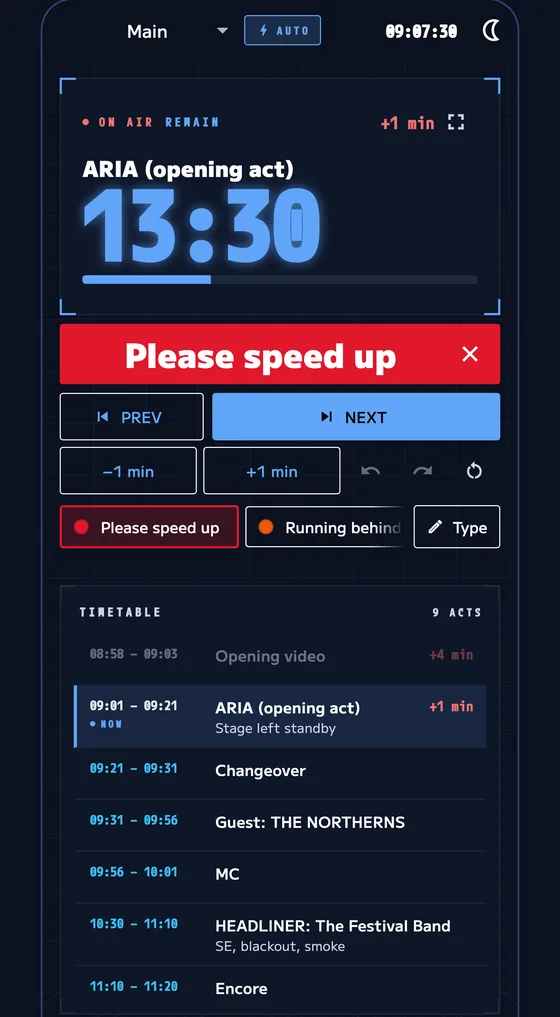
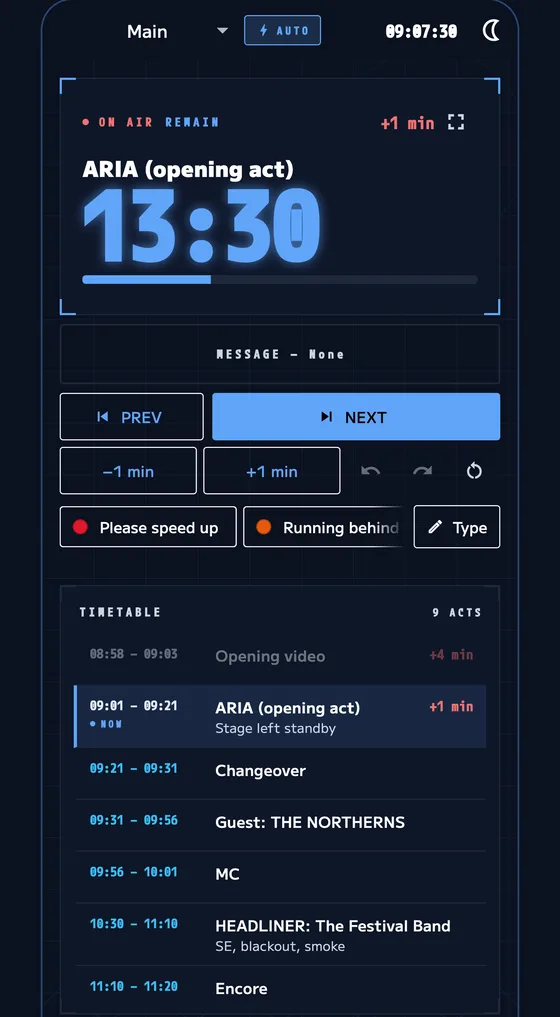
The gap to the plan is always on screen.
Backstage, sound and lighting follow one screen.
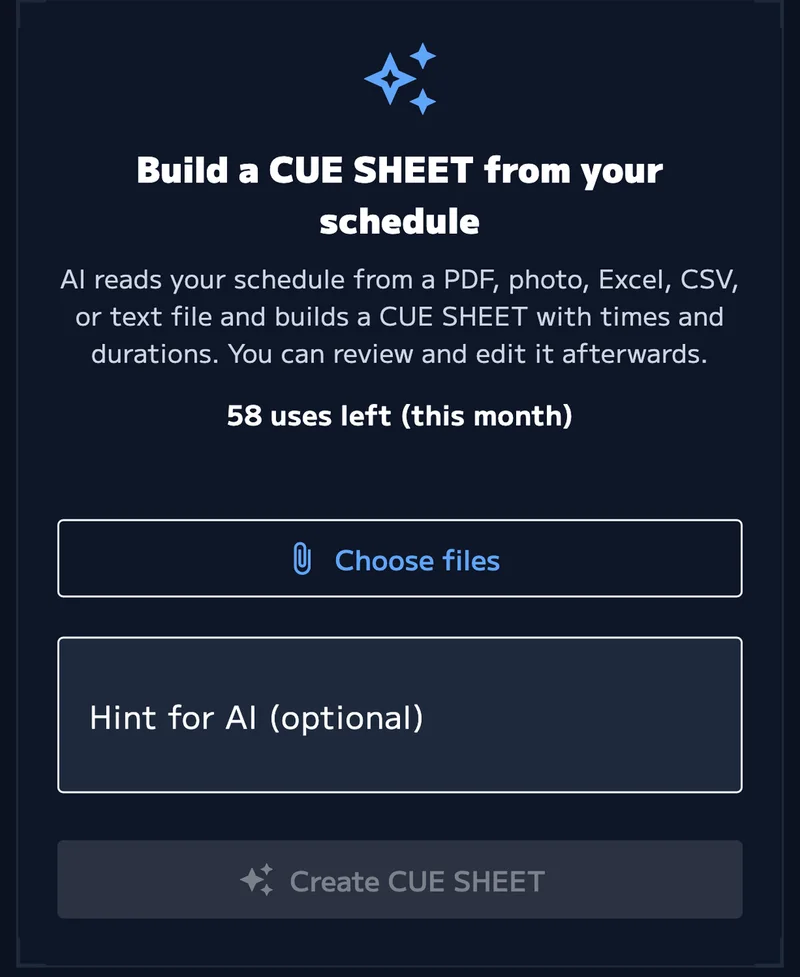
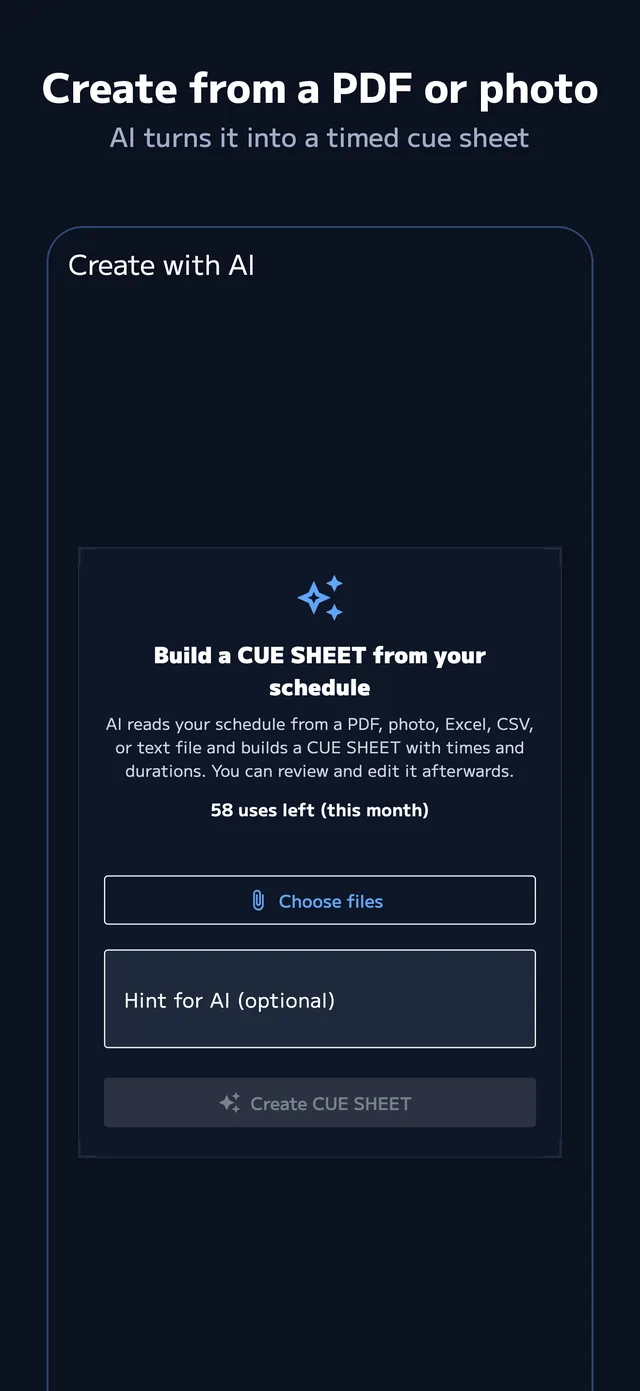
AI drafts your cue sheet from a PDF or photo.
Run your cue sheet top to bottom, with a big countdown.
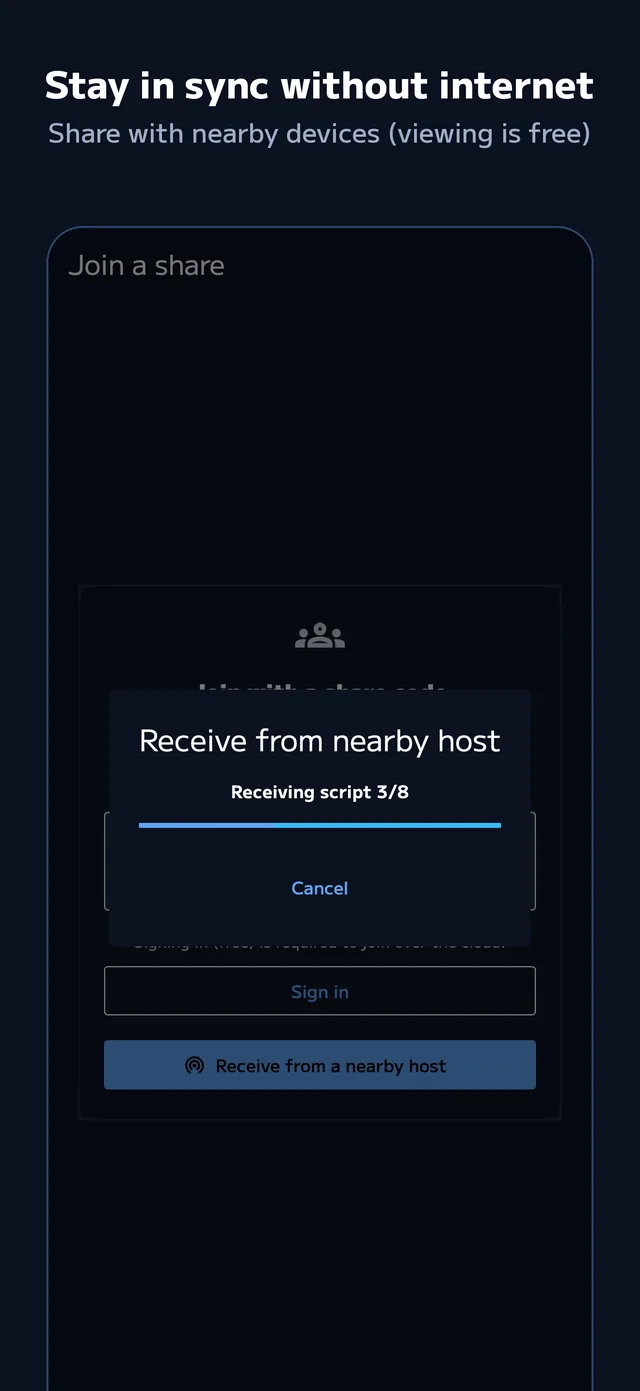
Enter a share code. Viewing is free.
Turn a PDF or photo into a timed draft.
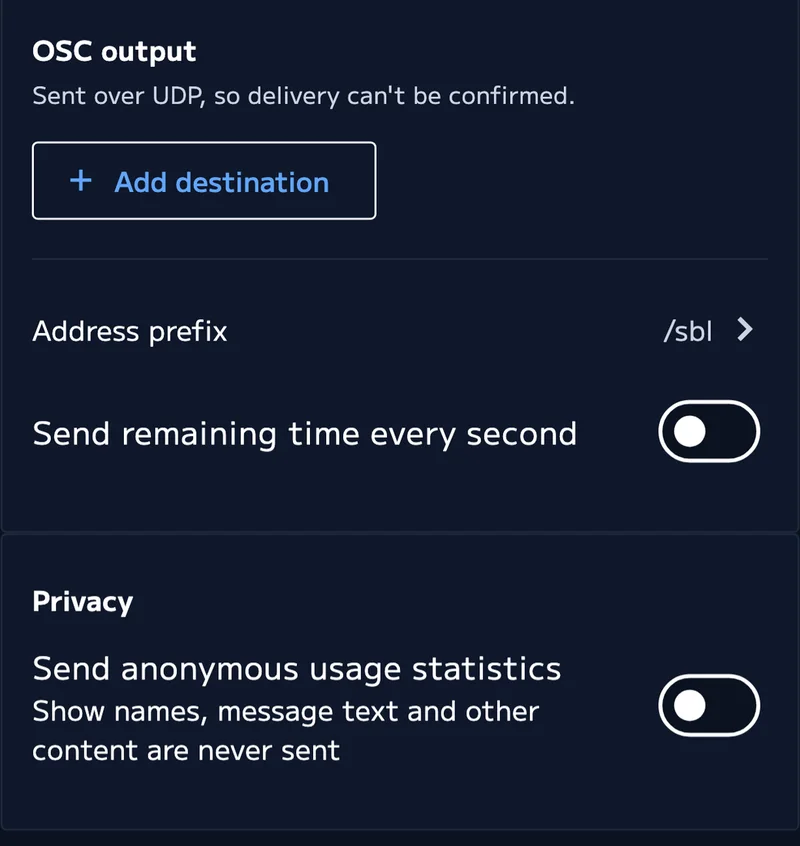
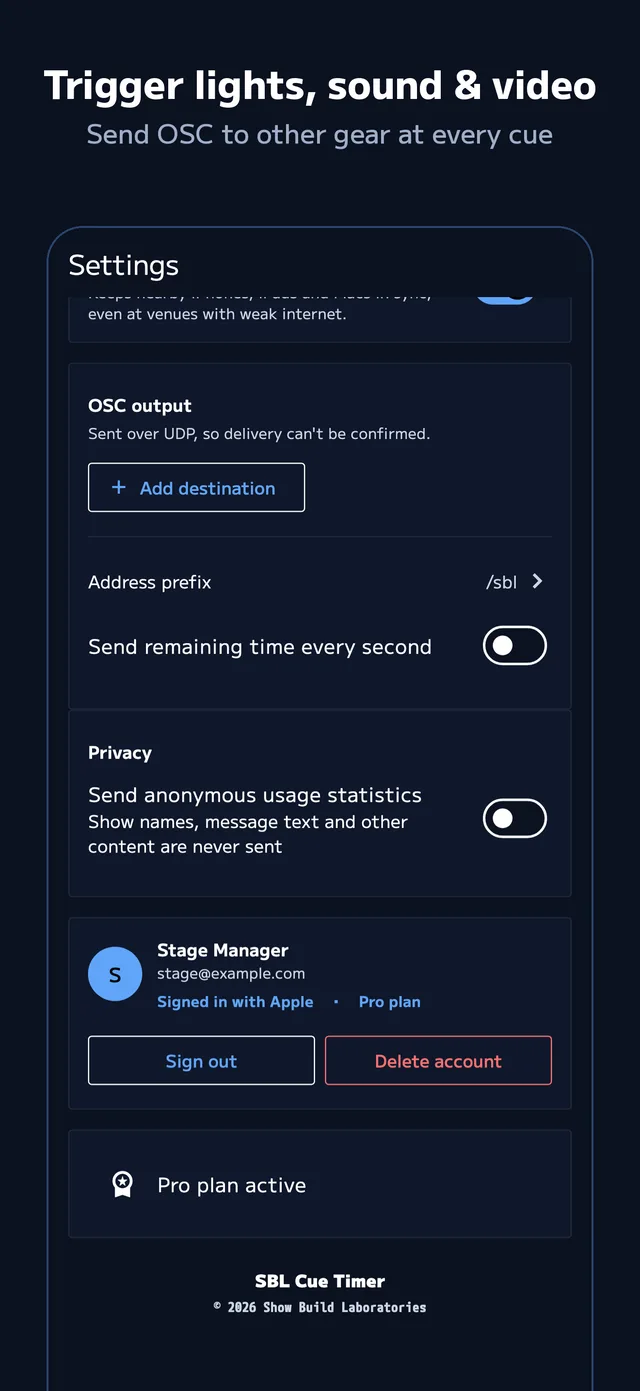
A common signal (OSC) links your other gear.
Examples
QLabgrandMAResolumeTouchDesignerCompanion



Free to start. Prices in JPY, tax included; the App Store price applies.
Pro monthly
¥600 / month
2-week free trial
Pro yearly
¥5,400 / year
3 months free vs. monthly
AI credits
¥240 / 5 uses
10 for ¥360. Never expire
| Free | Pro | |
|---|---|---|
| Shows | Up to 3 | Unlimited |
| Sheets per show | Up to 2 | Unlimited |
| Run timer, messages, performer view | Yes | Yes |
| .showcue export / import | Yes | Yes |
| Join and view a share | Yes, free | Yes |
| Create shares / send via nearby sync | — | Yes |
| Create with AI | Buy credits to use | Monthly allowance + credits |
| OSC output | — | Yes |
| CSV export / import | — | Yes |
Cancel any time. For refunds, see Article 5 of the Terms of Service
Yes. Editing, running and nearby sync work without internet. Sharing over the internet, AI and restoring purchases need a connection.
Running late is "push"; running early is "pull". The difference is calculated for you.
No, viewing is free. Only the host who creates the share needs Pro.
Yes. With nearby sync, iPhone, iPad and Mac connect directly (host needs Pro). Create the share code beforehand while online.
Your chosen files are uploaded temporarily and read by the Google Gemini API, then deleted. Always check the result before the show.
Purchased credits never expire. One credit is used when you confirm, with up to 3 free redos.
A signal for controlling lighting, audio and video gear. It works with QLab, Resolume and anything else that accepts OSC (Pro).
Any time in Settings > your name > Subscriptions. Cancel during the trial and you are not charged.
iPhone, iPad and Mac. iPad is optimized for landscape.
Shows live mainly on your device. Sharing and account data are stored in Japan (Tokyo).
Questions or requests? Get in touch.
Product names mentioned are trademarks of their respective owners.